

Office and Microsoft 365
How to Fix Office Activation Errors
See how to investigate an Office that shows Unlicensed Product before reinstalling or purchasing another license.
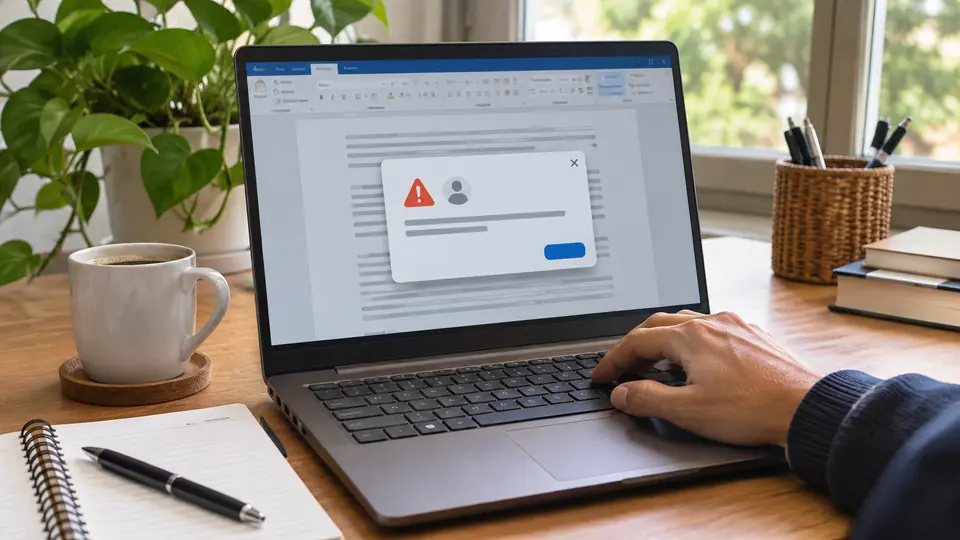
Start with the product and account
Open Word and view File → Account. Check out the connected edition and email. A home office rescued with personal account and a Microsoft 365 from the company are not activated by the same type of access.
Eliminate frequent causes
Check if the subscription is current or if the corporate license has still been assigned. Review date and time. If there are two installations, identify which one should remain before removing another edition. Close the programs and enter again if you have changed account.
Test an official repair
If the plan data is correct, follow the Office's official repair. To assist the service, prepare the complete error, the editing name and your order number. Do not send password, verification code or complete key.
 Tirar dúvida no WhatsApp