

Guides and technology
Error 0x8007007B on Windows: how to resolve
Error 0x8007007B may indicate that Windows is trying to activate via the channel of an organization. Check editing, license, and network before switching the key.
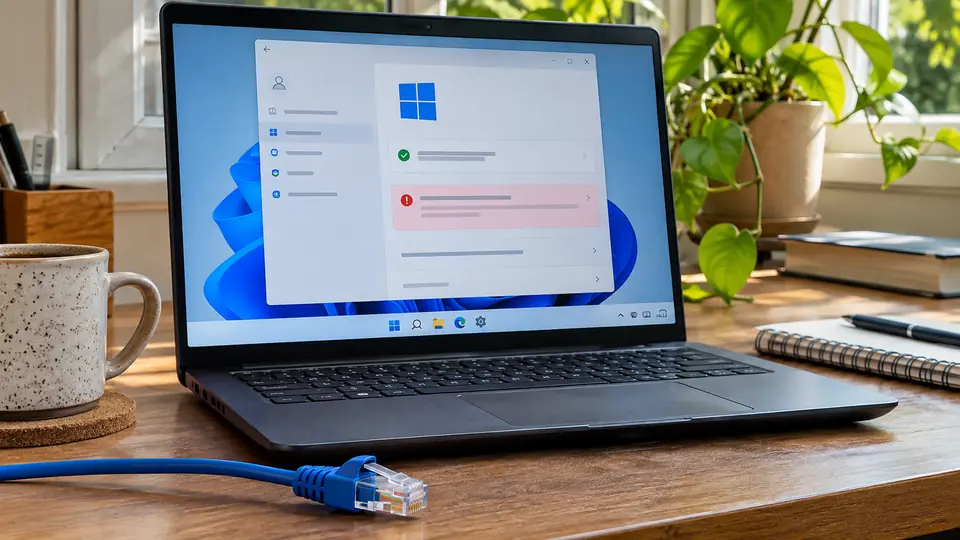
Check the source of this installation
Open the Activation panel and confirm the editing. A corporate installation that tries to locate the organization activation can display this error outside the expected network. On a personal computer, check if the current installation came from a company or a reused image.
If the computer is from the company
Use the authorized network or VPN and confirm with IT that the device is still covered. Do not configure third-party activation servers.
If the computer is yours
Use license and installation compatible with personal use editing. Ask the support to check the code and channel of the product. It is not necessary to reinstall before knowing which license should be active.
 Tirar dúvida no WhatsApp