

Windows
Error 0xC004F074 on Windows: how to resolve
The 0xC004F074 appears in situations linked to organizational activation. Learn what to validate with the IT team.
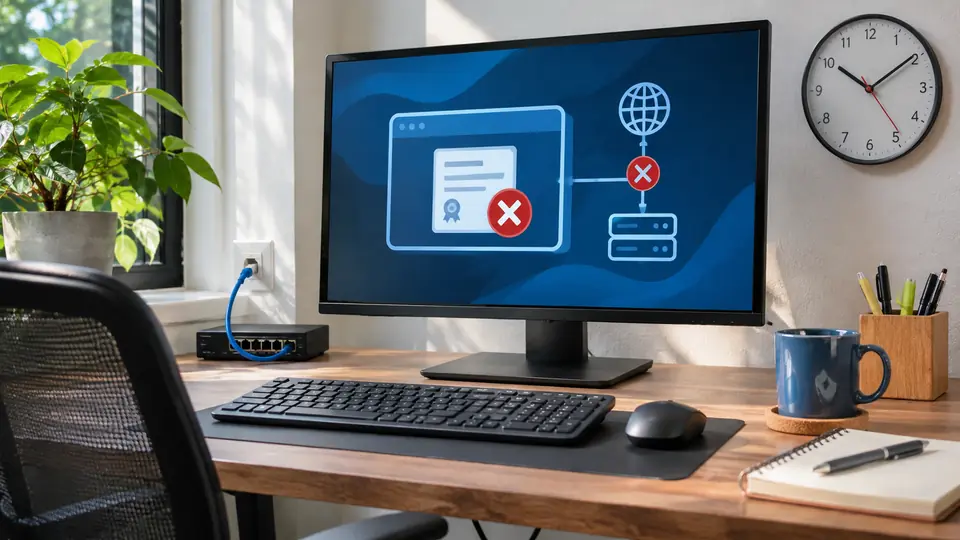
Check the network required by your organization
Connect to the expected network or approved VPN. Confirm that computer date, time, and spindle are correct. Do not change DNS settings or search for public activation hosts to bypass this requirement.
Confirm that the channel is correct
If the computer is managed, IT can check the connectivity and eligibility of the machine. If it is a personal equipment, check if an edition or image has been installed that awaits the licensing of a company.
Gather evidence to solve
Keep in your hands the full code and the installed edit. When reporting the case, tell us if it appeared after network exchange, upgrade or resettlement. This helps distinguish an incompatible license from a communication problem.
 Tirar dúvida no WhatsApp