

Windows
Windows 11 Pro Original Key: full guide
Learn what to check when buying a key for Windows 11 Pro and how to use it in the correct edition.
Why Edit Matters
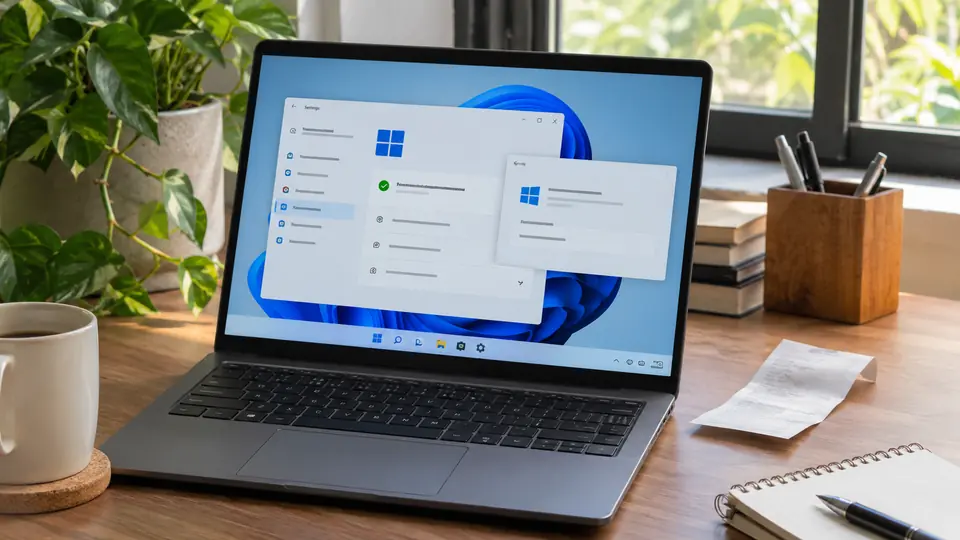
Windows 11 Pro and Home have different rights and features. See what is installed in Settings → System → Activation. If your goal is to switch from Home to Pro, confirm that the offer serves the upgrade.
How to evaluate the key before paying
Ask for the full name of the edition, license mode and transfer conditions. Save the sales document. Origin and right of use matter more than a promise of immediate activation.
How to activate and ask for help
Use Change Product Key or the official stream of the digital license. When there is error, write down the text and order number and check the edit. Do not publish the entire key to ask for diagnosis.
 Tirar dúvida no WhatsApp