

Windows
How to Download Windows Server 2022 Safely
Download Windows Server 2022 via the official channel and plan the installation. A Microsoft review does not replace the production license.
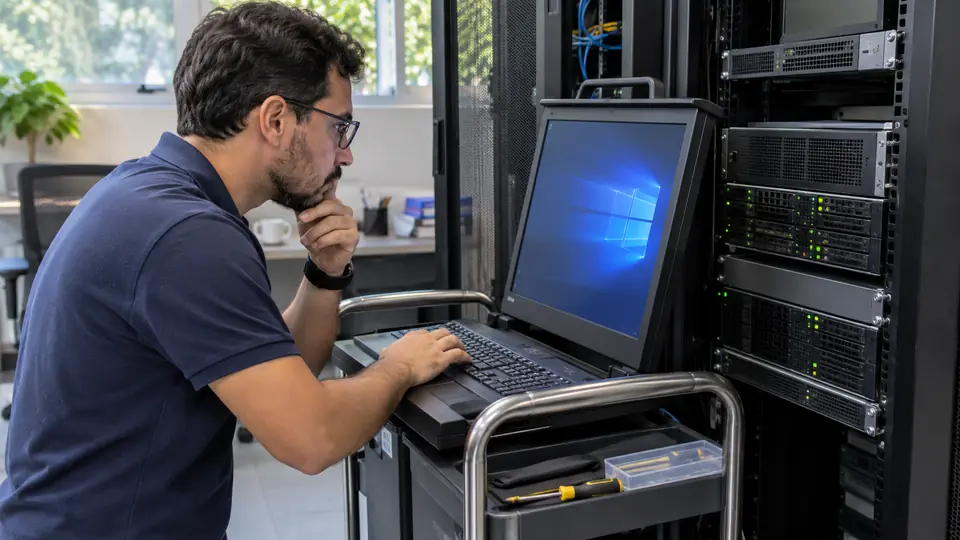
Choose media according to environment
Microsoft provides an evaluation media in the Evaluation Center. For definitive use, follow the distribution channel of your license. Check editing, language and installation type. ISO file of unknown origin is not an alternative to production.
Review the requirements and return plan
Validate CPU, RAM, disk, manufacturer support and server functions. Separate credentials and copy data and configuration. Preferably test on an isolated virtual machine before migrating a real service.
Plan licensing
Confirm the cores that need to be licensed and whether users or devices need access licenses. The server's technical activation does not replace these verifications.
 Tirar dúvida no WhatsApp