

Office and Microsoft 365
Microsoft 365 in 2026: Installation and Activation
Install Microsoft 365 in 2026 by the official path. See how to check your plan, activate your account, and handle access errors.
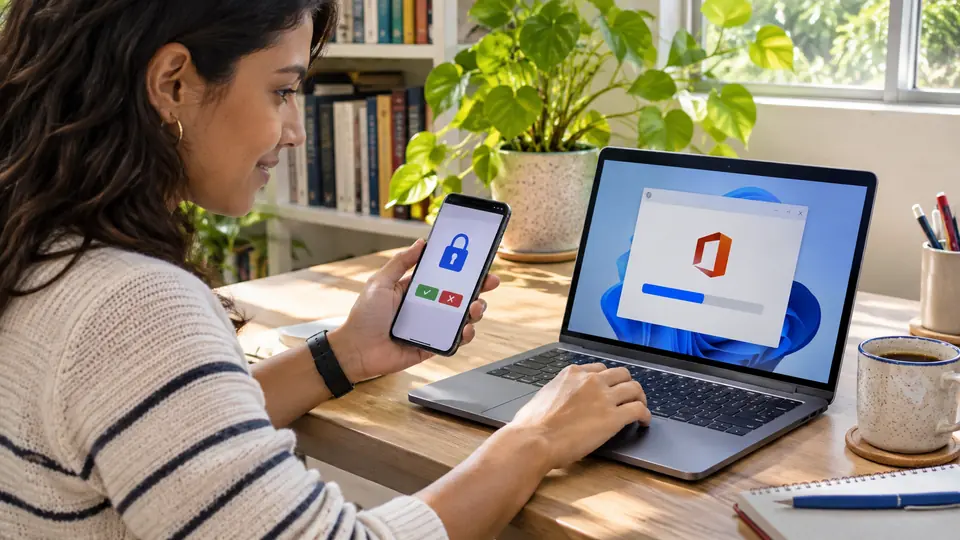
Before download
Confirm that the subscription is active and includes installable applications. In the company or school account, make sure the administrator assigns the license. In personal account, check that the product appears on Services and subscriptions.
Installation and first opening
Download the applications via Microsoft 365 portal, complete the installation and open Word. Enter the same email used in the portal and confirm the product in File → Account. Do not use packages released as already activated.
What to check if error appears
Check the email address, device time and connection. Write down the message and confirm the right to install. No step by step can ensure that an account or licensing error does not occur.
 Tirar dúvida no WhatsApp