

Windows
How to safely activate Windows 10
See how to check editing and activate Windows 10 by official means. Activation and system support are not the same.
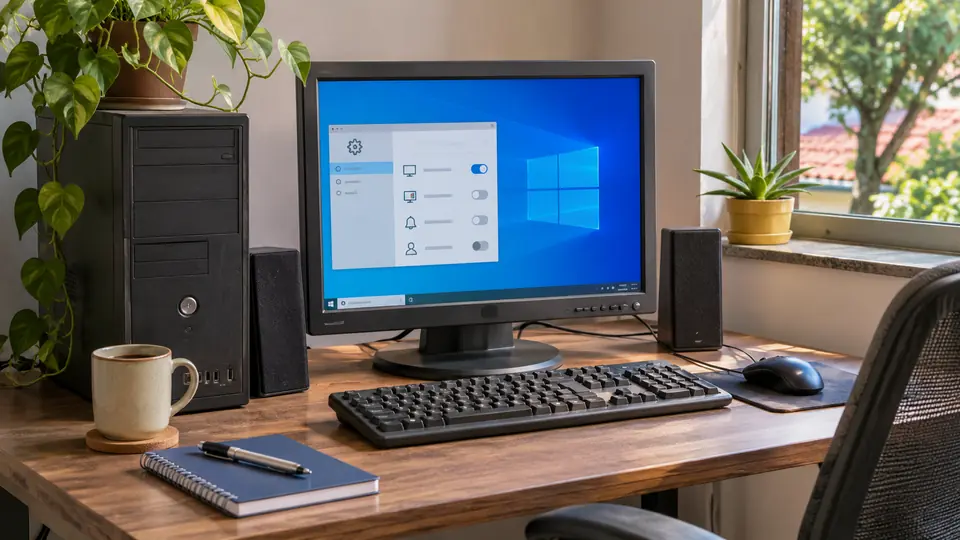
Check the installed edition
On Windows 10, open Settings → Update and Security → Activation. See if the system is Home, Pro or other edition. A different editing license does not correct an incompatible installation.
Enable without external tools
If the PC has a digital license from that edition, connect it to the internet and check if Windows recognizes it. If you have received a key, use Changing the product key in the activation panel. A motherboard change may require the solver or manufacturer support.
License and Support Options
Regular support for Windows 10 Home and Pro ended on October 14, 2025. A valid activation does not restart security updates. For a PC for daily use, check the possibility of migrating to Windows 11.
 Tirar dúvida no WhatsApp