

Windows
Windows 11 Home vs Pro: Differences and Which to Choose
Windows 11 Home and Pro serve everyday tasks. Pro makes a difference when you need specific IT and administration resources.
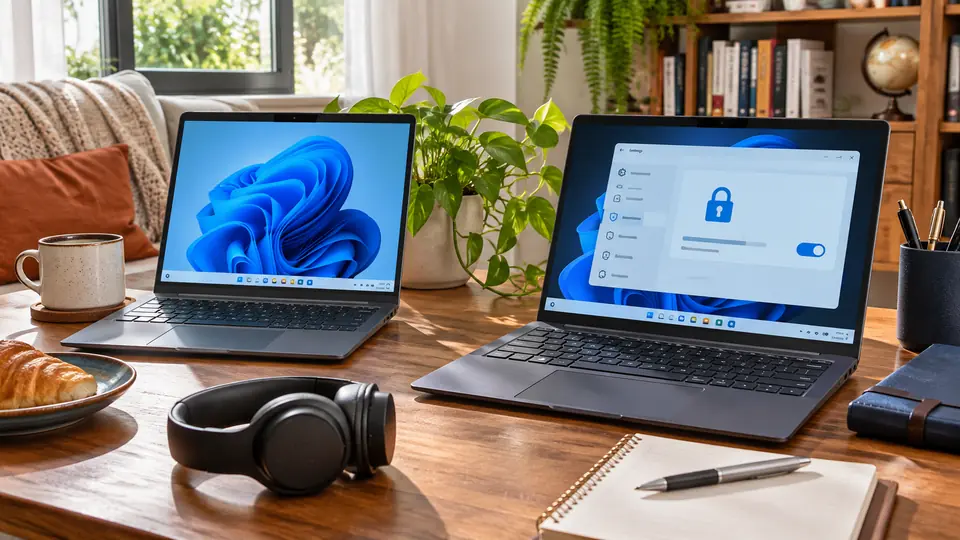
What the Home edition already meets
To study, navigate, edit documents and play, the Home edition usually suffices. Requirements for installing Windows 11 are valid for both. Some compatible equipment can offer Device Encryption also in Home; this is not the same as having all BitLocker options.
Where the Pro makes a difference
Pro offers features such as domain association or Microsoft Enter ID, Group Policy and Hosting Remote Desktop Connections. Home can use remote access client to connect to another machine, but does not work as host in the same way.
How to Decide
Make a list of the features your routine or team really requires. If your PC already runs Windows 11 Home and only one Pro edition feature is missing, evaluate an editing upgrade instead of reinstalling everything.
 Tirar dúvida no WhatsApp