

Windows
Windows Isn’t Activated? How to Troubleshoot
When Windows appears as unactivated, first find out which edition is installed and whether the PC has a license for it.
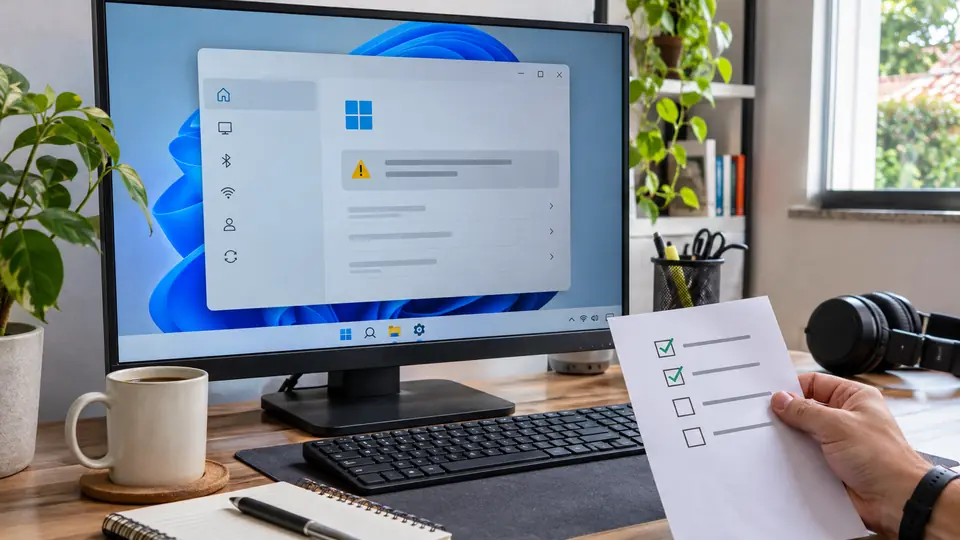
Read the status and code
On Windows 11, go to System → Activation. On Windows 10, use Update and Security → Activation. Note editing and error. Confirm internet, date and time before trying anything else.
Use the license compatible path
An existing digital license can be recognized when connecting the machine with the correct edition. For a purchased key, enter the code by Windows itself. If the device uses company license, call the person responsible.
Windows 11 Options
If there is no usable license and your equipment is compatible, compare Home and Pro before purchasing. Pro editing is not required for every task, and another edition license does not correct the notice.
 Tirar dúvida no WhatsApp