

Windows
How to upgrade to Windows 11 for free
Windows 10 update for Windows 11 can be free for eligible equipment. Before installing, check compatibility, support, and backup.
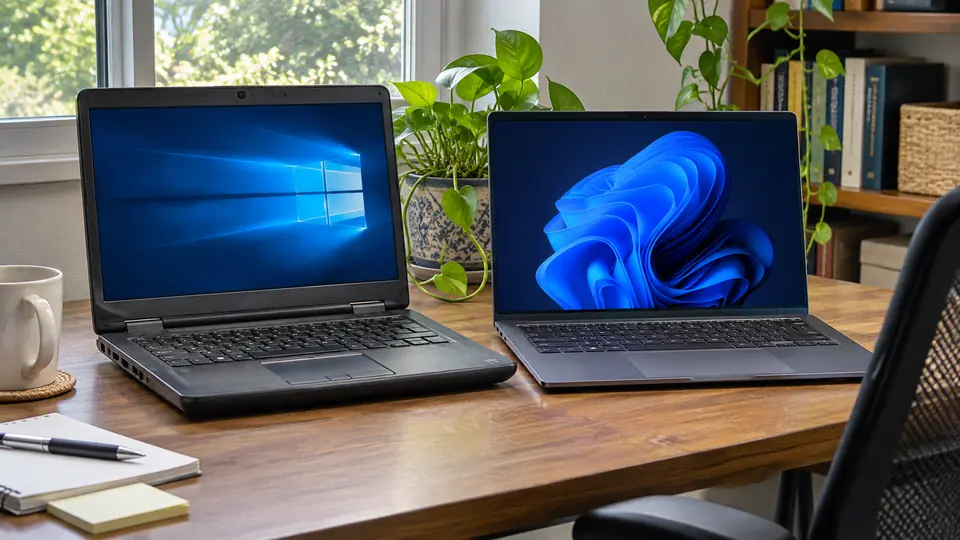
Find out if your PC is eligible
Use the PC Integrity Verification application or check out Microsoft requirements. Windows 11 asks for 64-bit compatible processor, at least 4 GB of RAM, 64 GB of storage and TPM 2.0, among other requirements.
Update by recommended route
Save a copy of the files and check disk space. Open Windows Update and see if the update is available. If it is not offered, confirm the cause before forcing the installation. A temporary lock may indicate incompatibility.
Version update is not editing upgrade
Switching from Windows 10 to Windows 11 does not transform Home into Pro. Preserve the edition corresponding to the digital license. If you want the features of the Pro edition, compare this option separately.
 Tirar dúvida no WhatsApp